GitHub
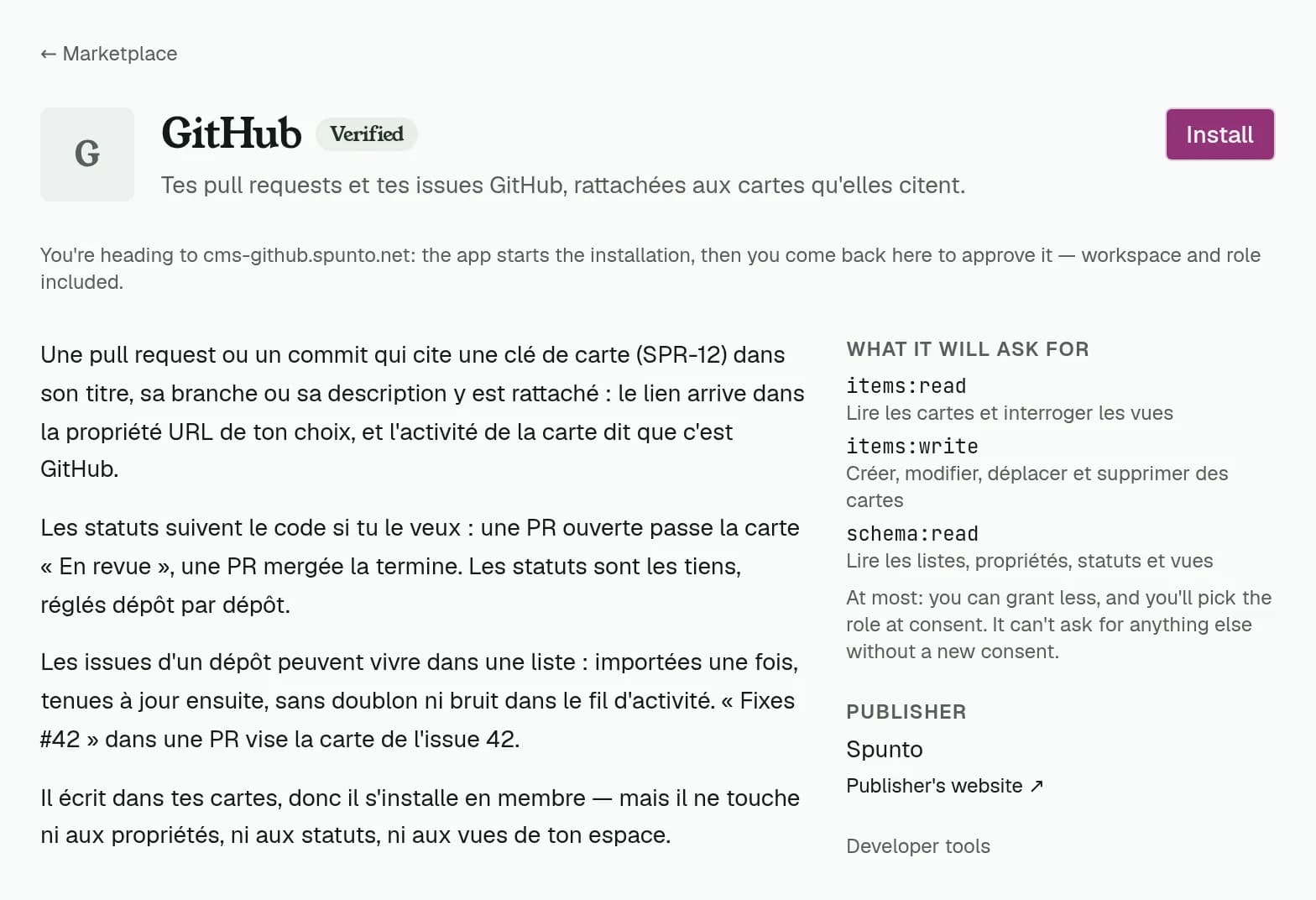
Link pull requests and commits to the cards they mention, move statuses along with the code, and bring a repository's issues into a list.
- 1
What it does
Links pull requests, commits and issues to your cards. - 2
What it will ask for
Reading and writing cards, and reading your lists, properties and statuses. It creates no property, status or view. - 3
Install
Starts the installation on the connector's own site.
Name a branch spr-12-login and its pull request moves SPR-12 to your review status and leaves its link on the card. Merge it, and the card is done.
Install the connector
You need to be an owner or an admin of the workspace. The steps after the first one happen on the connector's site and on GitHub.
Open the GitHub listing
In Workspace settings, open Marketplace, click GitHub, then Install.
Give your consent
Choose the workspace and keep the member role: the connector writes to your cards, so read-only is not enough.
Install on GitHub
Click Install on GitHub. GitHub asks you to pick the account or organization, and the repositories the connector may read. If the app is already installed on your organization, click Link an existing installation instead.
Follow a repository
Pick it under Repository to follow and click Follow. Each repository then has its own settings.
Mention a card from GitHub
Write the card key — SPR-12, in upper or lower case — where GitHub will see it:
| Where you write the key | What happens |
|---|---|
| Pull request title, branch name | The card is linked, and its status changes |
Description, after fixes, closes or resolves | The card is linked, and its status changes |
| Description, anywhere else | The card is linked only |
| Commit message | The card is linked only |
#42 points to the card of issue 42, when that repository's issues are imported. One pull request can mention up to ten cards; the rest are ignored.
Set what a repository does
Choose where the link goes
Under Write the link into, pick a URL property of the workspace. If you have none, create one first, called “Pull request” for instance. Without it, nothing gets linked.
Choose the statuses
PR opened → and PR merged → set the status a card takes. “Opened” also covers a reopened pull request and one marked ready for review. Leave Do nothing to keep statuses untouched.
Import the issues
Under Issues, pick a list in Put them in, and the statuses for Issue open → and Issue closed →. Click Sync issues to import the whole repository. After that, every issue created, edited, closed or reopened follows on its own.
Good to know
On a card that comes from an issue, GitHub only owns the title, the description, and the status when the issue is opened or closed. The properties you add stay yours.
FAQ
The connector is a separate service that only uses the public API. To build one like it, read the connector guide.
Keep going
Marketplace
Browse the apps that plug your workspace into Slack, Google Drive and GitHub, install one, and take its access back when you no longer need it.
AI assistants
Connect Claude, ChatGPT, Cursor or any assistant that speaks MCP, so it can find, read and write cards on your behalf — and disconnect it when you are done.